Focus timer · iPhone and Mac
Every focused hour builds a block.
Start a session and stay in the app. While you work, a pixel city grows on your island: scaffolding, cranes, then a new block every hour.
Coming soon · Free to download, with optional art styles
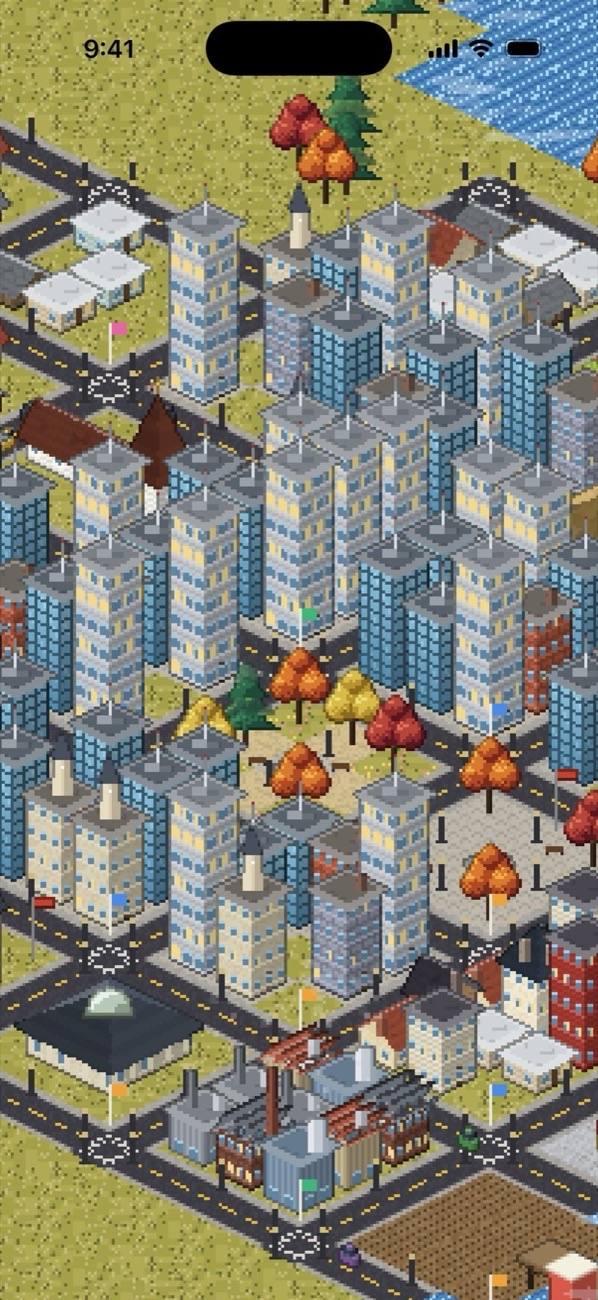
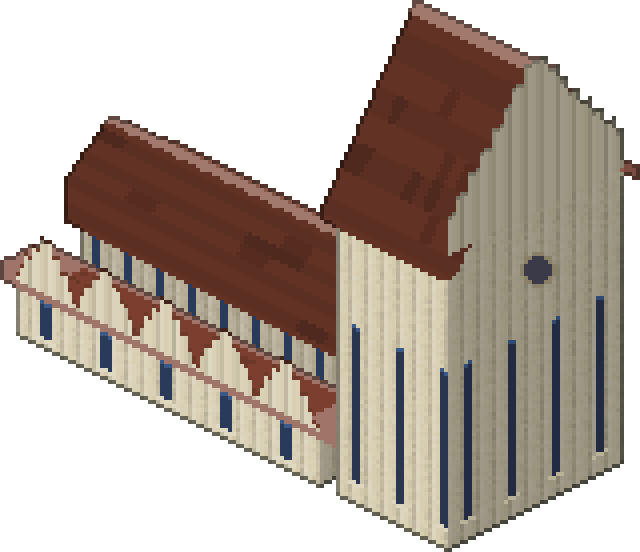
One hour, three stages.
Sessions run from 5 to 60 minutes. Every 20 focused minutes raise one building stage, and minutes carry over between sessions.
Ground breaks
Scaffolding goes up on the cell you picked.
Cranes swing
Walls rise and workers climb the frame.
A block is done
Homes, a market, a library, a harbour: you choose what it becomes.
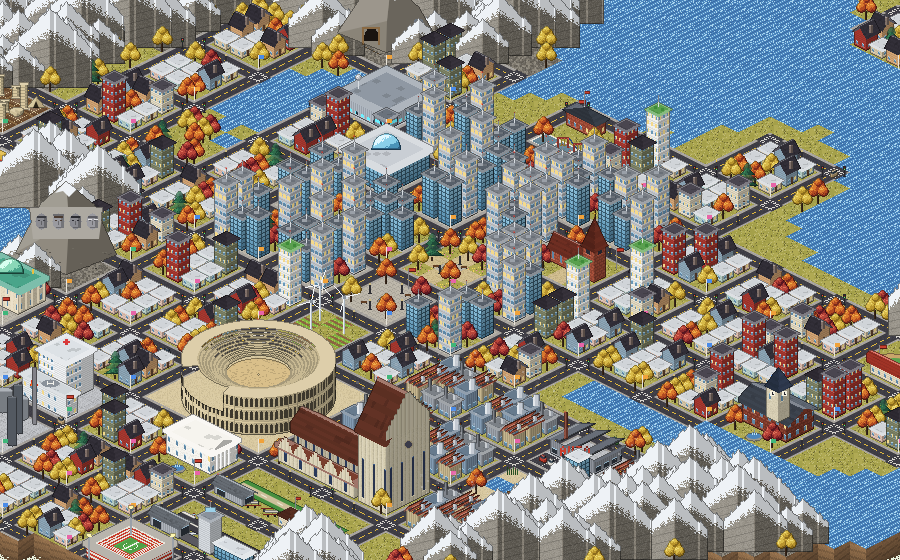
A city that keeps growing up.
Wonder tokens
Sessions of 45 minutes or more earn tokens for landmarks: a stadium, a sky tower, a red suspension bridge.
Buildings grow up
Chapels become cathedrals, libraries become data centres, airfields become airports.
Your sky, your seasons
Real sunlight, seasons and weather for where you are. Windows light up after dark.
A time-lapse of every hour
Scrub back to the first hut and watch your city build itself again.
Districts with meaning
Tag a session study, code, write or art, and your districts show how you spend your time.
Art styles
Redraw your whole city in another art style without losing a single building.
The one rule
Leave the app mid-session and that block takes the hit.
The block you were building is scarred until 15 focused minutes repair it. Locking your phone is fine, and so is taking a call. Only leaving counts.
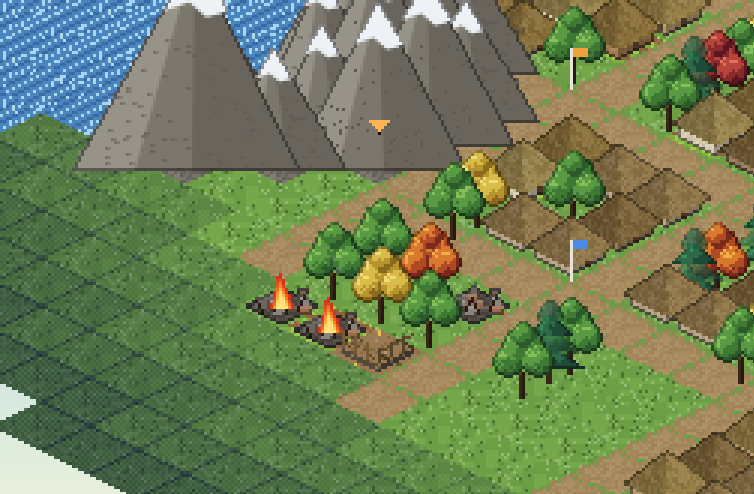

Build your first block.
Hourtown is coming to iPhone and Mac. Leave your email and we will write once, when it launches.
We use your email only for this. Privacy